
How our sitemap generator works
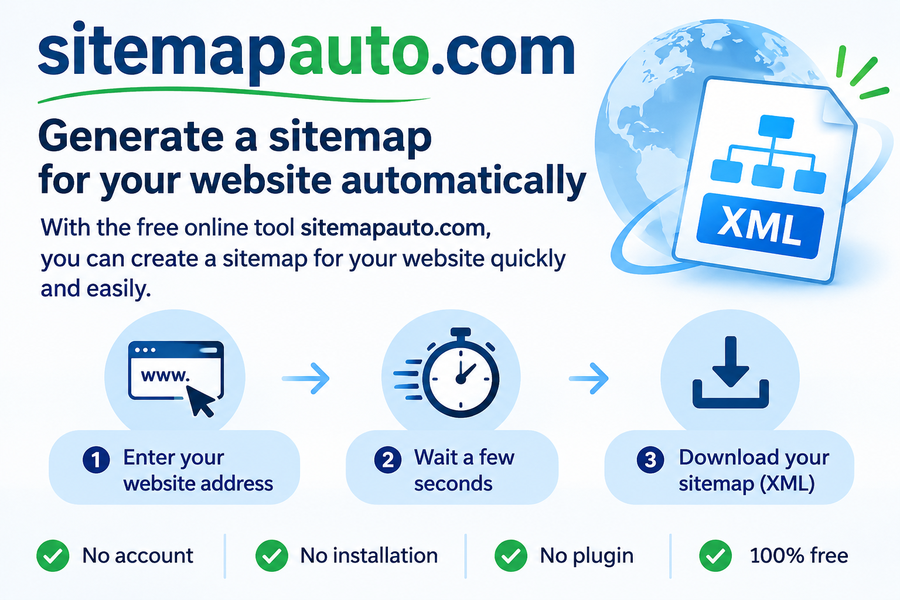
sitemapauto.com reads your website the way a search engine does, then turns what it found into a clean XML sitemap. Here is what happens between the moment you enter your address and the moment you download your file.
What is an XML sitemap?
A sitemap.xml file lists the pages of a website. It is written in XML (eXtensible Markup Language) and follows a precise structure defined on sitemaps.org. The simplest approach is to keep the standard name, sitemap.xml, and to place the file at the root of your site. You may choose a different name, as long as you declare it in your robots.txt file. Our guide What is an XML sitemap? explains every tag in detail.
Why is a sitemap file important?
A sitemap lets search engines discover the full list of your pages much faster, especially the pages you have just added and those that few links point to. Keep it up to date: an accurate sitemap helps your site get crawled and indexed more completely. Our best practices list what to include and what to leave out.
How does sitemapauto.com work?
- Starting point. The crawl begins at the address you enter, usually your home page. The tool reads the page and collects every link it contains.
- Following internal links. Each link that leads to another page of the same website is added to a queue. Links to other domains are ignored, because a sitemap may only list your own pages.
- Checking each page. Every address in the queue is requested and its HTTP response is recorded. Pages that answer correctly join the sitemap. Pages that return a 404 or another error are kept out.
- Working in small batches. The crawl runs in successive chunks, which is why you see the counter and the progress bar move. You can stop the process at any time and keep what has been found so far.
- Building the file. When the crawl ends, or when it reaches the limit of 5,000 pages, the valid addresses are written into a standard XML file that you download with one click.
The broken link report
Because every page is checked anyway, the tool also tells you what went wrong. Each address that returned an error is listed together with the pages that link to it. Fixing these links improves the experience of your visitors and saves the time search engines spend on your site.
PDF documents
An option below the address field adds the PDF files found on your website to the sitemap. It is useful if your guides, price lists or documentation are published as PDF and you want them to appear in search results.
Limits
The tool is free and needs no account. To keep it available for everyone, each IP address can run a limited number of crawls per 24 hours, and each crawl stops at 5,000 pages. The crawler only finds pages that are linked from other pages: a page reachable only through a search form, a script or a login will not appear in the result.
What to do with your file
Upload sitemap.xml to the root of your website, declare it in your robots.txt file, then submit it to Google and Bing. Generate it again whenever you add a batch of new pages.
Sitemap guides
Another free tool we built
Validate your whole site, not one page at a time
W3cvalidator.com crawls your website and checks your pages against W3C standards automatically, up to 1,500 pages in a single run. Far faster than validating each page by hand, and a good way to catch the markup errors that hurt accessibility.